 Voice notes & Smart plan
Voice notes that turn into your plan.
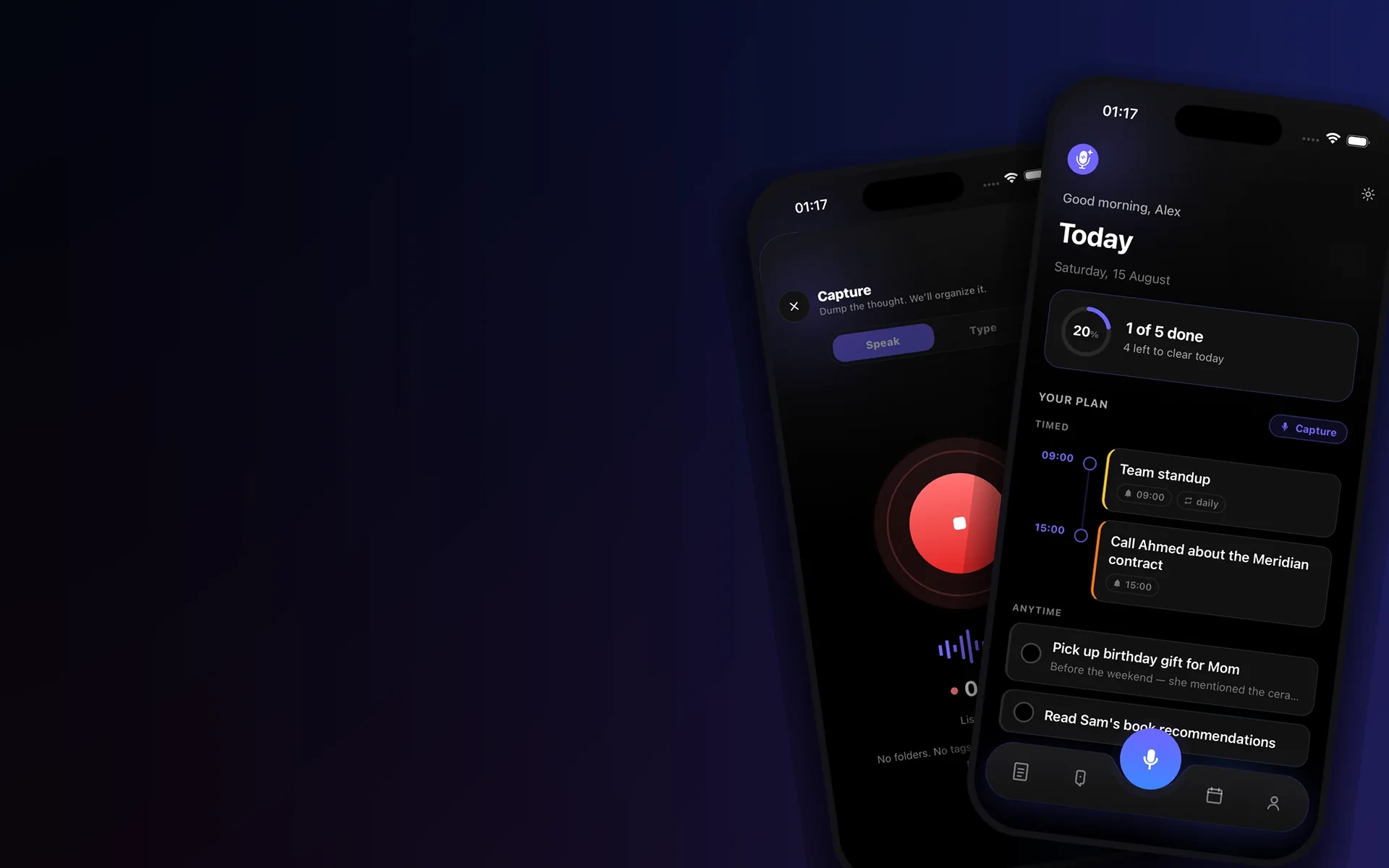
Speak or type a thought. AI transcribes it and sorts it into tasks, reminders, notes and ideas — no folders, no typing, synced on every device.
How it works
From voice memo to to-do list in three steps.
Capture, let AI understand it, and act — your plan stays with you everywhere.
- 01
Speak or type the thought.
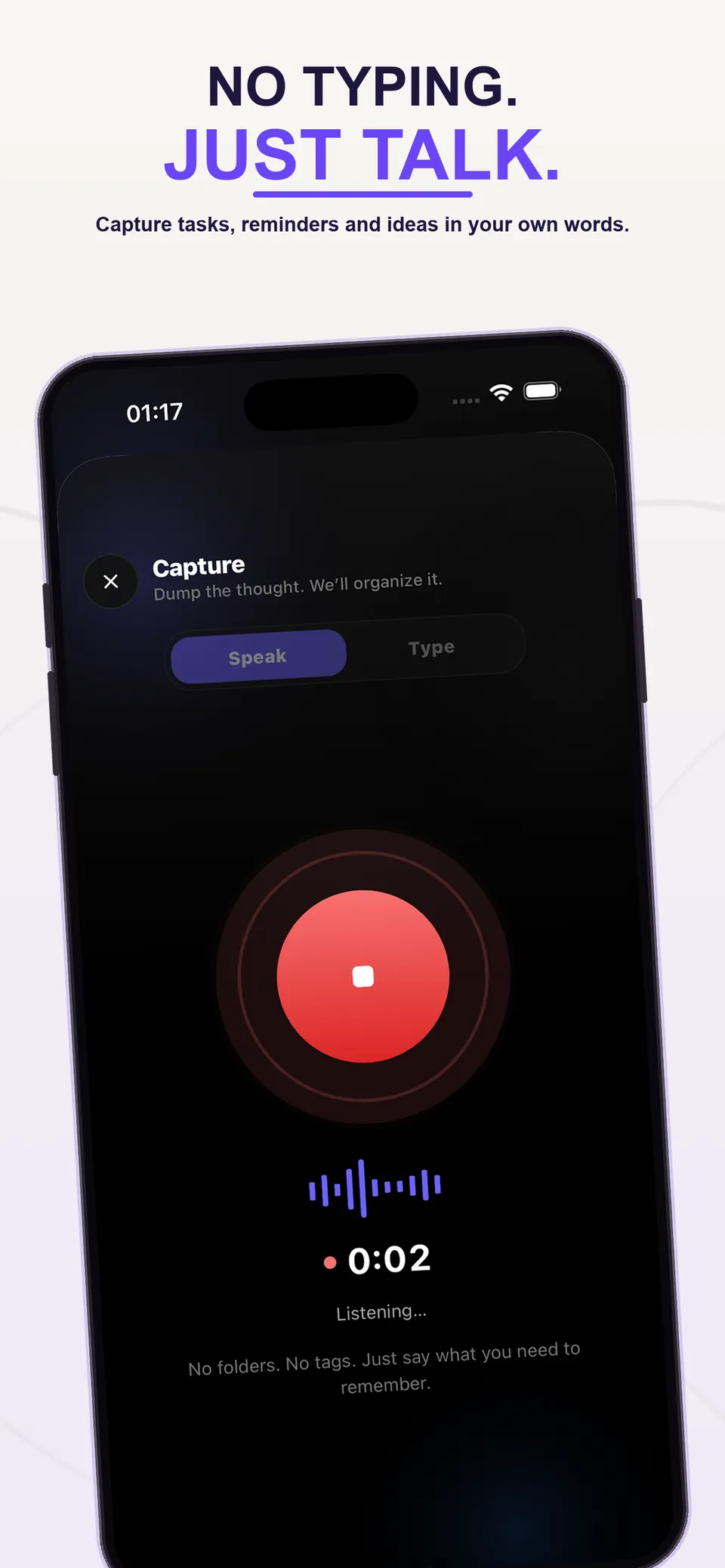
Tap the mic and talk — a voice memo, a meeting recap, a reminder for Friday. Or type it. No folders, no tags, no filing.
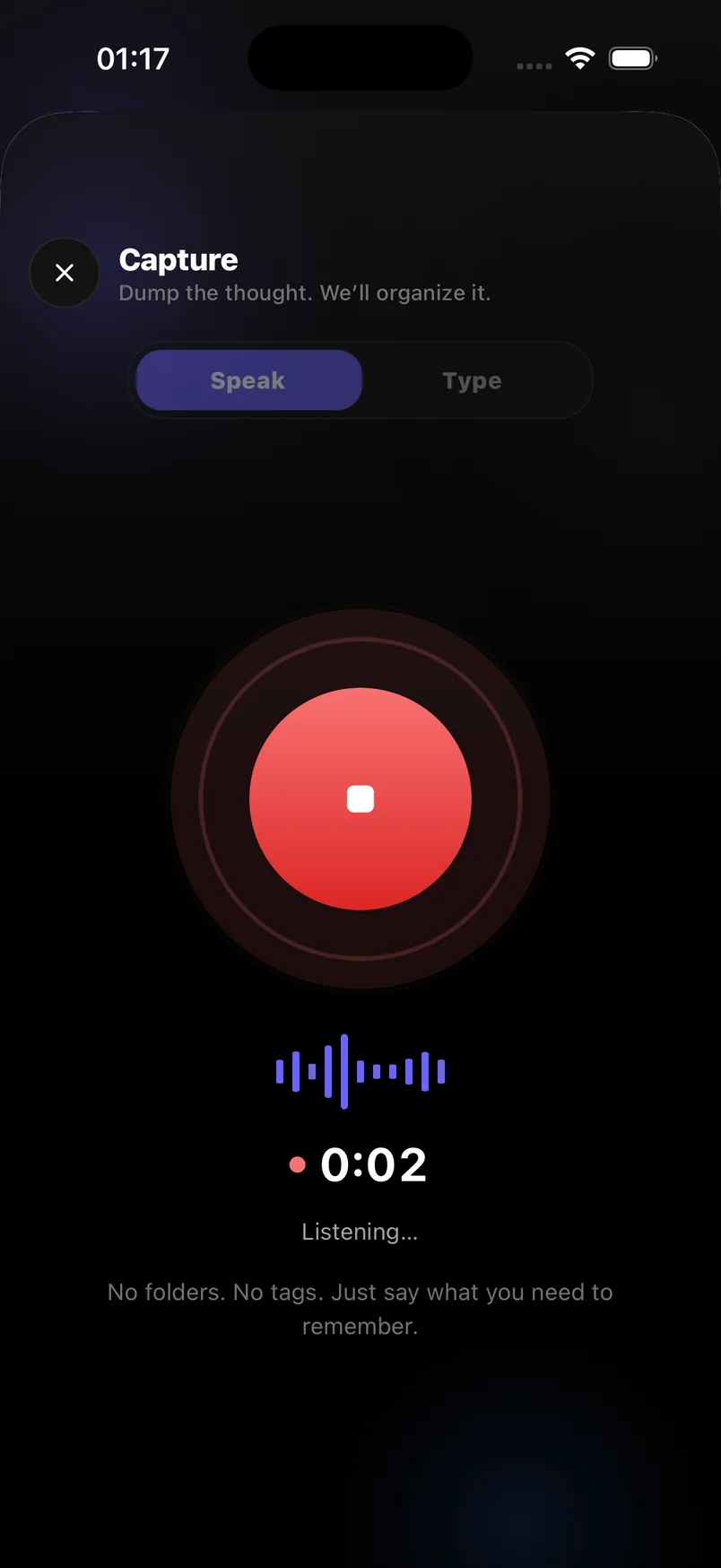
Capture · voice or text
- 02
AI sorts it into a plan.
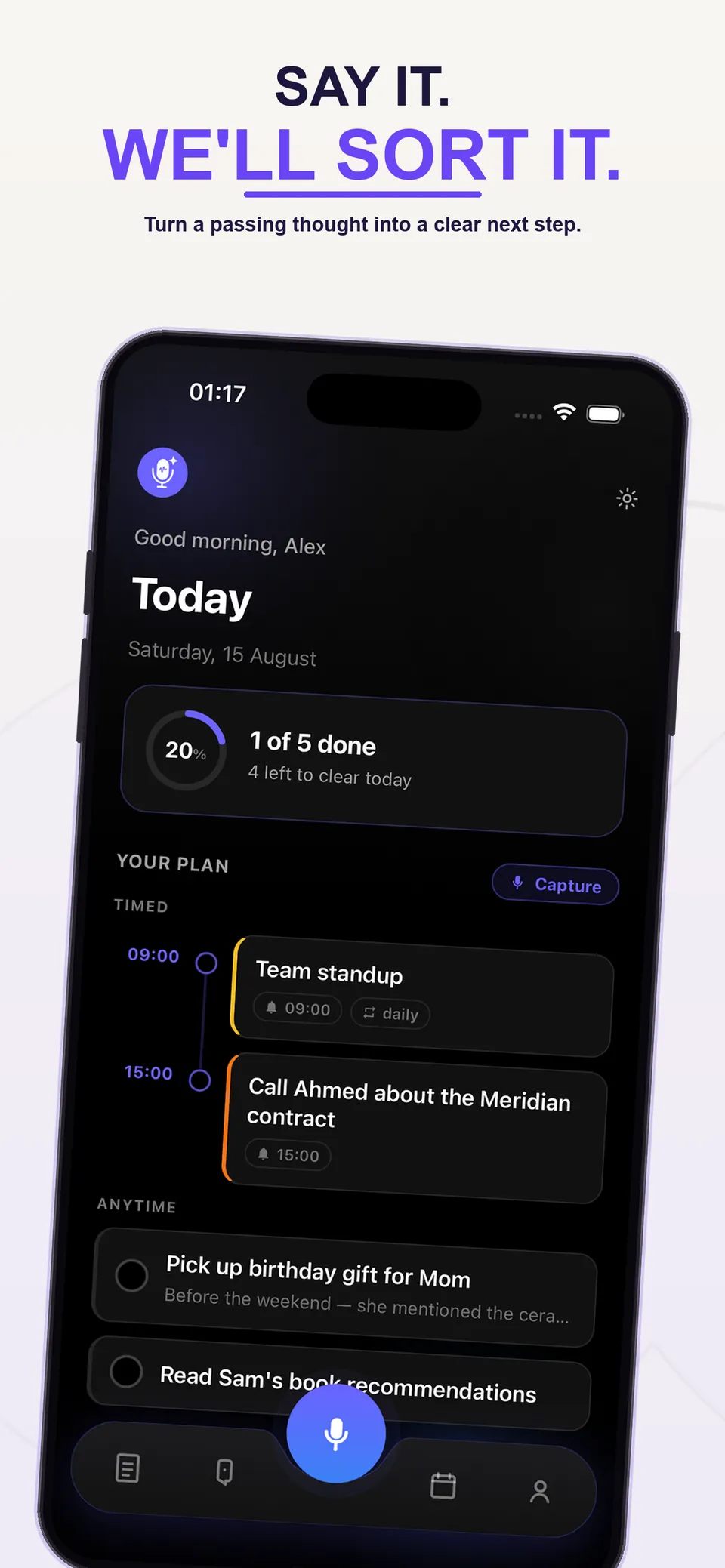
The note is transcribed and read by AI, then split into tasks with deadlines, reminders with times, notes and ideas — all automatically.
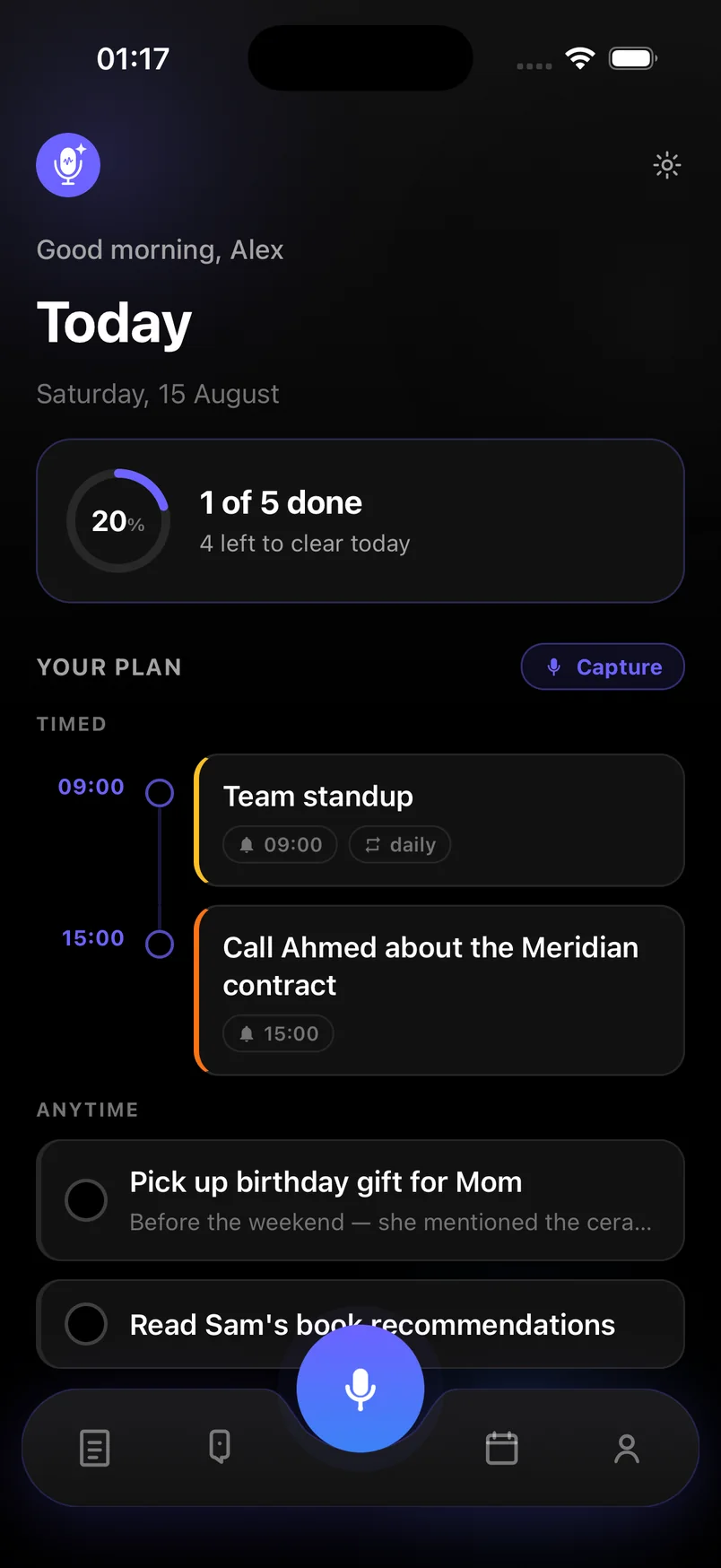
Today · AI-organized
- 03
Everything kept, everywhere.
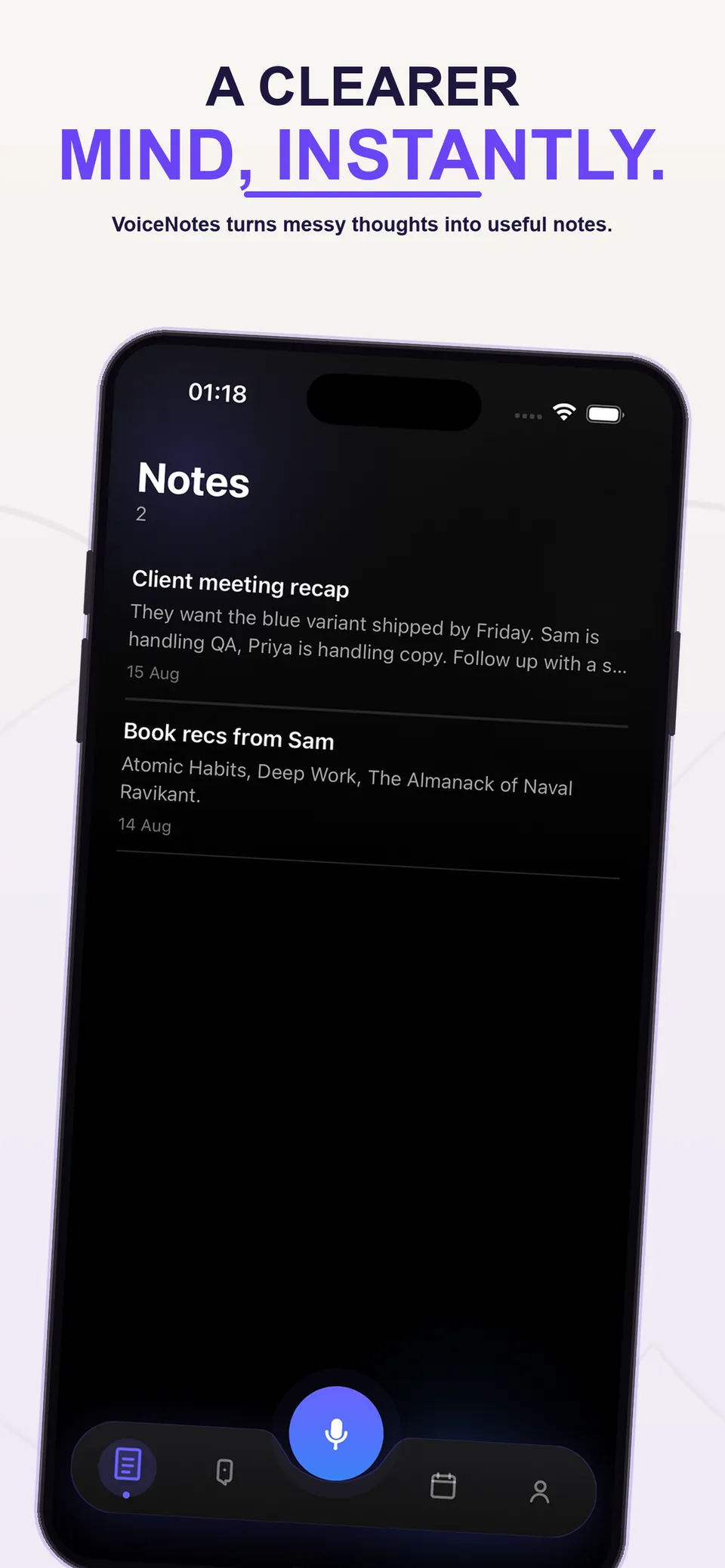
Notes and ideas stay searchable, reminders fire on time, and your plan syncs across devices so nothing you said gets lost.
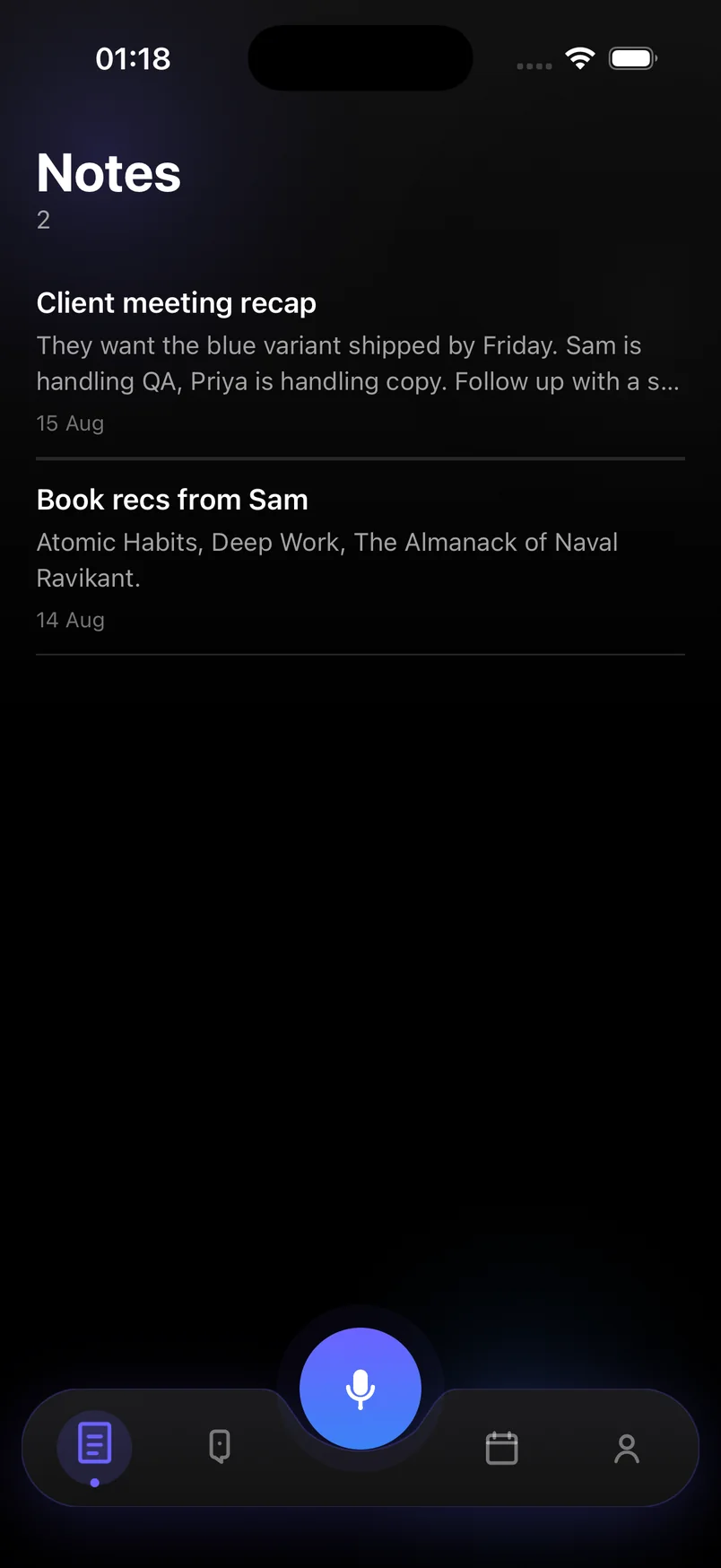
Notes · searchable
What you get
Voice memo in. Organized plan out.
Built for people who think faster than they type — say it once, and it lands exactly where it belongs.
- Voice memo to textAccurate transcription, hands-free
- Tasks with deadlinesPulled out of what you said
- Reminders that repeatDaily, weekly — set once
- Notes and ideasSaved, tagged, searchable
- Home Screen widgetCapture without opening the app
Inside the app
An AI note taker, task planner and reminder app in one.
Capture your way. Let AI organize. Trust it on every device.
Voice notes
One tap to record. Speech-to-text transcription turns your voice memo into clean, editable text.
AI task extraction
Say "call Ahmed Thursday at 3" and get a task with a deadline and a reminder — no typing.
Today timeline
A clear view of what is due when, plus everything else on your plate. One tap to mark it done.
Smart reminders
Timed and recurring reminders so follow-ups, errands and meetings never slip through.
Home Screen widget
Add the widget to your Home Screen. One tap starts a recording, and today’s plan stays in view — iPhone, iOS 17+.
Notes & ideas
Meeting recaps, book lists, sparks of ideas — kept separately from tasks and always findable.
Start without signing up
Open the app and capture immediately. Add an account later if you want your plan synced across devices.
Sync & backup
Your plan follows you across devices. Automatic backup means nothing is lost when you switch phones.
In action
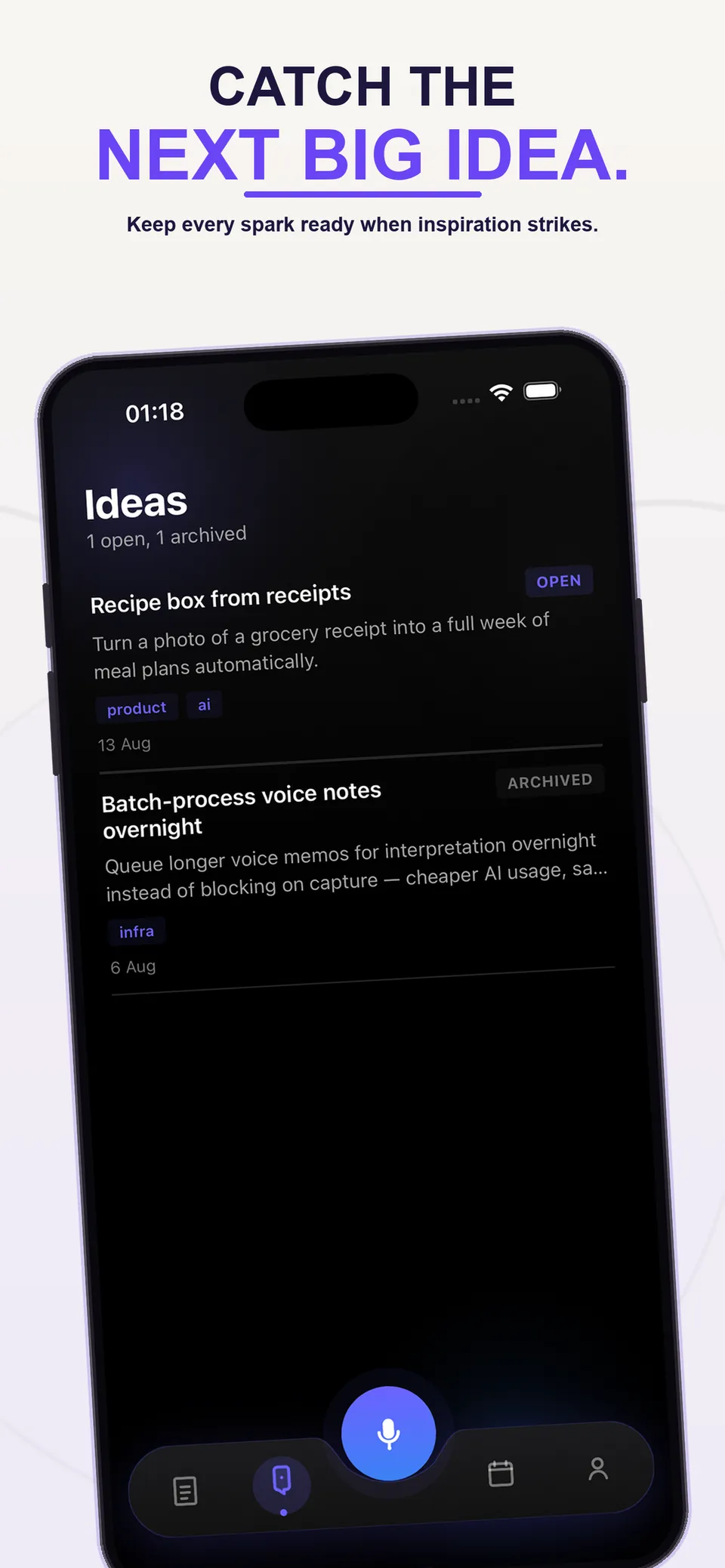
Your ideas, always at hand.
Popular uses
One capture habit, many jobs.
See how people use voice capture for the things they used to type — or forget.
Privacy first
Your thoughts stay yours.
Encrypted in transit and at rest. No ads, no tracking SDKs, and we never sell your data. Delete your account and everything in it whenever you like.
Plans
Free to begin. Premium when you need more.
No ads. Ever. Start free with capture, search and 20 AI captures a month. Upgrade for unlimited AI, unlimited sync and full history.
FAQ
Questions about AI voice notes, answered.
What is Voice notes & Smart plan?
It is an AI voice notes app for iPhone and Android. You speak or type a thought, and AI turns it into tasks with deadlines, reminders with times, notes and ideas — organized for you, with no folders or tags to manage.
How does the AI turn a voice note into tasks?
Your recording is transcribed to text, then AI reads it and pulls out anything actionable: what to do, when it is due, and whether it should repeat. A voice memo like "pick up the gift before Saturday" becomes a task with a Saturday deadline and a reminder.
Is it a voice-to-text or dictation app?
It includes speech-to-text, but it goes further than dictation. Instead of leaving you with a wall of text, it sorts what you said into a daily plan you can act on.
What is free and what is Premium?
The free plan includes voice and text capture, search, reminders and 20 AI captures a month. Premium unlocks unlimited AI captures, unlimited sync and full history, with a 7-day free trial.
Does it sync between my phone and other devices?
Yes. Your tasks, notes, reminders and ideas sync across your devices and are backed up automatically, so switching phones does not lose anything.
Are my voice notes private?
Your notes are yours. There are no ads and we never sell your data. Data is encrypted in transit and at rest, and you can delete your account and all of its data at any time.
Do I need to create an account to start?
No. Open the app and capture your first thought. A guest account is created on your device in the background. Add an email later if you want to sync across devices.
Is there a Home Screen widget?
Yes, on iPhone with iOS 17 or later. Add the widget to start a recording with one tap and see today’s plan without opening the app.
Capture. Plan. Act.
Download Voice notes & Smart plan free. Premium comes with a 7-day free trial.