Where voice wins
Voice wins whenever your hands or eyes are busy, or when the thought is longer than a line: a post-meeting recap, a brain dump, a list of five errands with their days. Speaking those is a sentence or two. Typing them is a form per item.
Voice also wins on capture rate. The thought that takes twenty seconds to type is often the thought you do not bother to capture at all.
Where typing still wins
- Quiet places — meetings, libraries, late at night next to someone sleeping
- Precise text — email addresses, codes, exact spellings of unusual names
- Editing — fixing one word in an existing note is faster by keyboard
The catch with voice: the transcript wall
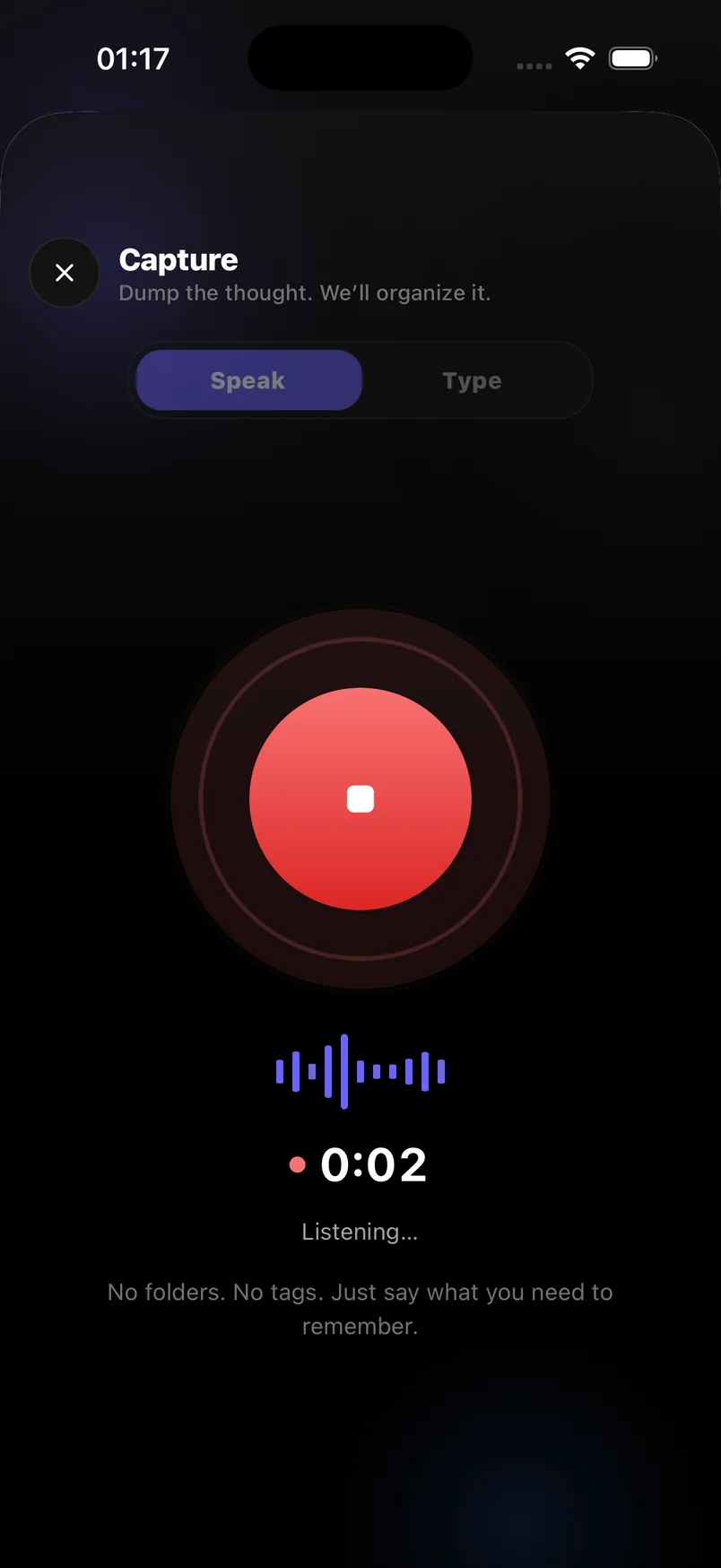
Speaking fast produces a lot of text. Without a second step that turns it into tasks, dates and notes, you have traded a typing problem for a reading problem. The speed advantage of voice only becomes real when AI does that sorting — which is the premise of Voice notes & Smart plan: speak or type, and get a plan either way.
A simple rule for choosing
- Long or multi-part thought? Speak it
Recaps, errands lists, brain dumps. Let AI split the items and set the dates.
- Short or precise? Type it
A single task with an exact name or number is quicker on the keyboard. Switch Capture to Type mode.
- Either way, say the when
"Thursday", "at 9", "every Monday" — timing words are what turn a note into a scheduled task.
Frequently asked questions
Does speech-to-text work in a noisy place?
It degrades with heavy background noise. In loud environments, hold the phone closer or switch to Type mode.
Can I mix both in one capture?
Each capture is either spoken or typed, but you can edit the transcript of a spoken capture by keyboard afterwards.