Why a transcript alone is not enough
Converting a voice memo to text is the easy part. Speech recognition is good now, and a two-minute memo becomes three paragraphs in seconds. The problem is what happens next: that text sits in a note, and the three things you actually needed to do are buried in the middle of it.
Voice notes & Smart plan treats the transcript as raw material. After transcription, AI reads the text and separates it into tasks with deadlines, reminders with times, notes worth keeping and ideas worth revisiting. You get the words and the plan.
How the voice memo to text flow works
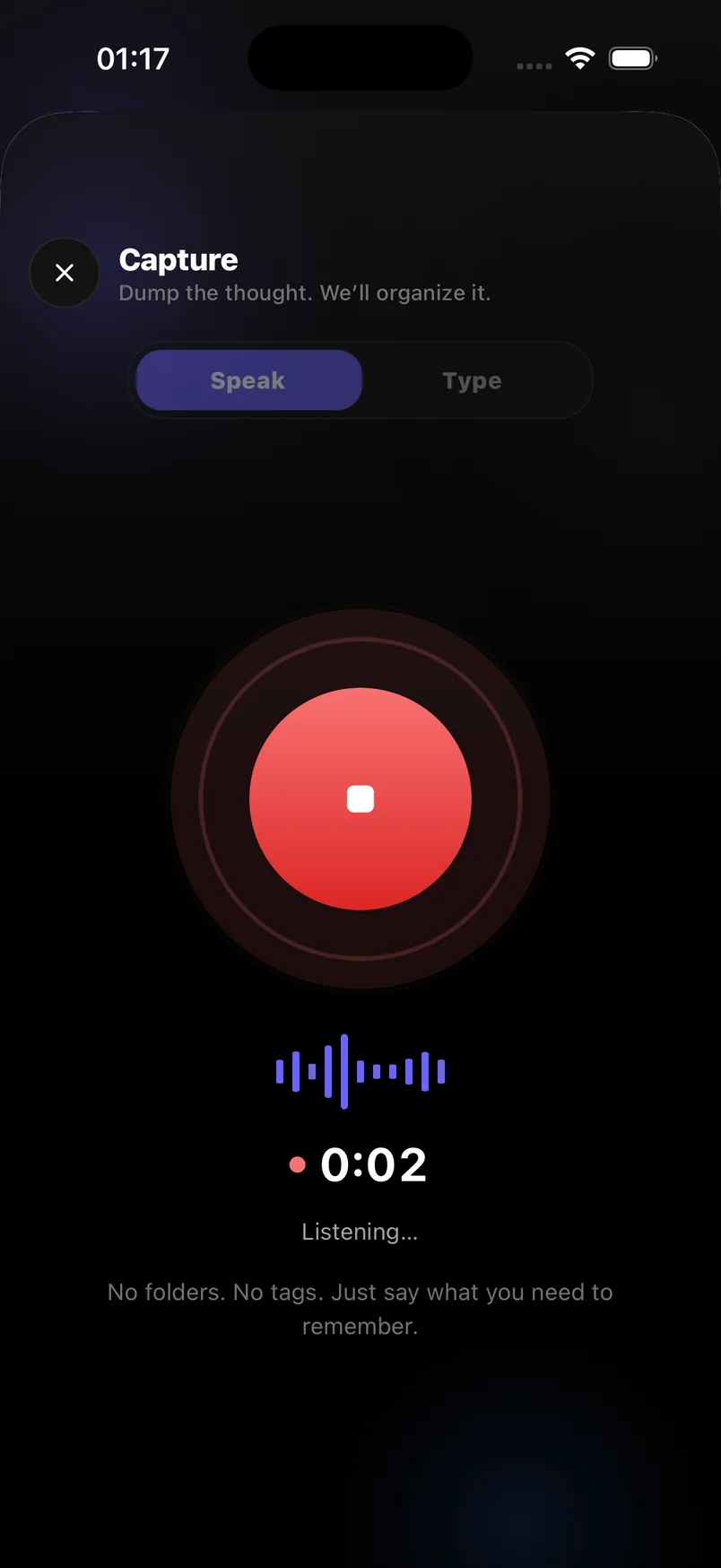
Open the app and tap the mic. Talk naturally — you do not need to pause between items or say keywords. When you stop, the recording is transcribed and the AI pass runs. A memo like "remind me to send the invoice Monday morning, and I want to read that book Sam mentioned" becomes a Monday-morning reminder and a note under Ideas, kept apart from the task.
Everything lands on the Today screen if it has a date, and in Notes or Ideas if it does not. You can edit the transcript, fix a name, or move an item with a tap.
- Record any length of voice memo, hands-free
- Speech-to-text transcript you can edit and search
- Tasks, deadlines and reminders extracted automatically
- Notes and ideas kept separately from to-dos
- Synced across devices with automatic backup
Who uses it this way
People who think while walking, driving or commuting. Founders who capture a dozen follow-ups after a call. Parents who remember things at the school gate. Anyone who has said "I recorded a memo about that" and then never found it again.
Voice memo to text on iPhone and Android
The app is available on iPhone and Android, with the same capture, transcription and AI extraction on both. The free plan includes voice and text capture plus 20 AI captures a month; Premium unlocks unlimited AI captures, unlimited sync and full history.
Frequently asked questions
Can I convert existing voice memos to text?
The app transcribes recordings made inside it. Import of external audio files is not available yet — record new memos in the app to get transcription and AI extraction.
How accurate is the transcription?
Accuracy is high for clear speech in a quiet room and degrades with heavy background noise, as with any speech-to-text system. You can edit the transcript afterwards.
Does it work offline?
You can record and type offline. Transcription and AI extraction need a connection and run when you are back online.
Is voice memo to text free?
Yes. The free plan includes voice capture with transcription and 20 AI captures a month.