A different approach to meeting notes
Meeting transcription tools record the whole conversation and hand you forty minutes of text. Voice notes & Smart plan is built for the recap: you speak the outcome in your own words, right after the meeting, while it is fresh. That is shorter, clearer and does not require recording other people.
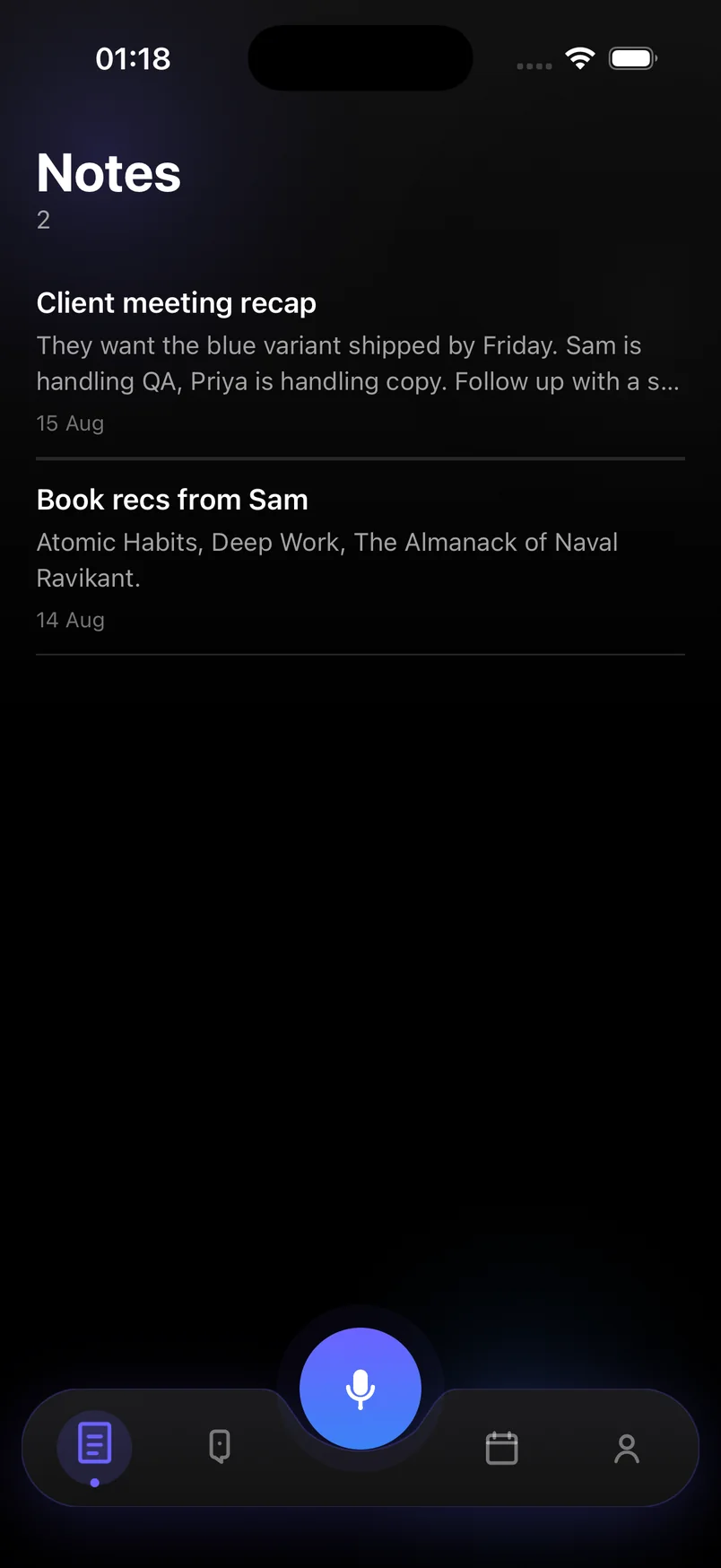
A recap like "they want the blue variant shipped by Friday, Sam is handling QA, I need to send the revised quote Wednesday" becomes a note titled by topic, a task due Wednesday for you, and context about Sam and the Friday deadline.
What ends up where
- Notes — the decisions and context, kept as a searchable recap
- Tasks — your action items, with deadlines pulled from what you said
- Reminders — follow-ups with a time, so they surface when due
- Ideas — anything worth revisiting that is not an action item
Works with any meeting tool
Because you record the recap, not the meeting, it does not matter whether the meeting was on Zoom, Teams, a phone call or in a hallway. Open the app, tap the mic, talk for a minute, and move on.
Frequently asked questions
Does it record the meeting itself?
No. It records your spoken recap after the meeting. That keeps recordings short and avoids recording other participants.
Can it assign tasks to other people?
Names in your recap are kept in the note for context. Tasks are your own to-do list; there is no team sharing in the current version.
Can I type the recap instead?
Yes. Capture has a Type mode, and the AI extraction is the same.